Crop PAN Card Photos Before Upload on Umso
We use CropGuide to crop a photo to PAN Card size before users upload photos to Umso
First we need to install CropGuide for Umso. Then we can set up PAN Card cropping. This will only take a couple of minutes.
If you’re unfamiliar with CropGuide you can try it out on the site
Choose the PAN Card aspect ratio
This guide uses an 86:54 crop ratio, approximating the physical proportions of an PAN Card. Confirm the requirements of the system receiving the upload before enforcing this ratio.
We can set the correct PAN Card aspect ratio in the CropGuide customer dashboard, this will make sure your customers always upload correctly sized images.
- Select your website in the Customer dashboard.
- Scroll towards the Configuration heading.
- Then find Crop Aspect Ratio heading just below it.
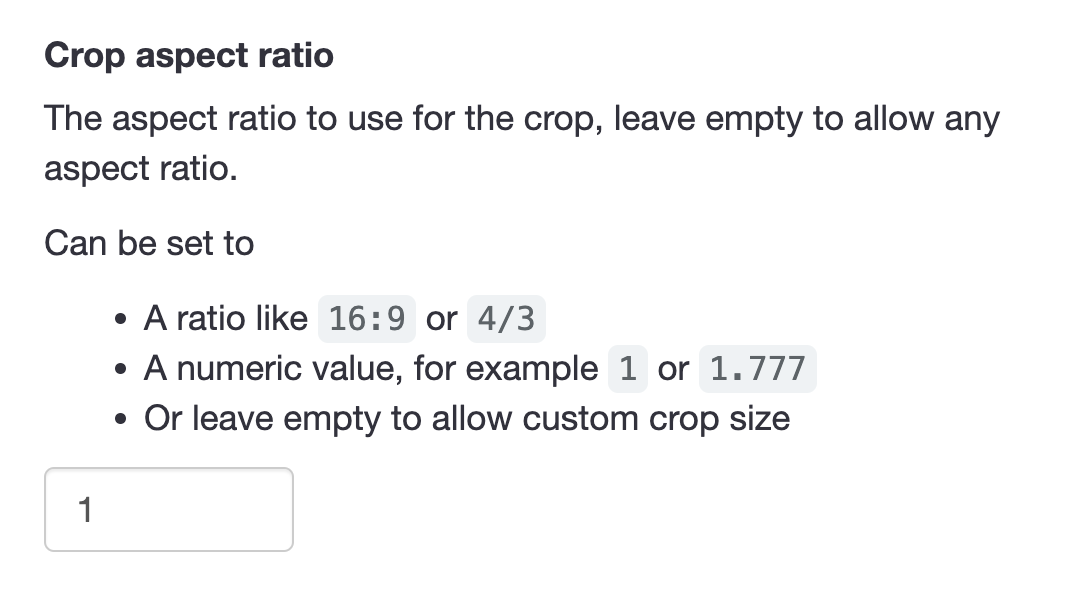
- Now we enter 86:54 as the aspect ratio, which reflects the PAN Card size in millimeters.
- Click Save.
Set minimum image dimensions
If you want to make sure images are of high enough quality you can optionally set the Minimum Crop Size field.
Now go to the form on your website, refresh the page so we’re sure our new settings have loaded.
Test the PAN Card upload field
When using the image upload field on your Umso website, CropGuide will now ensure every image is cropped to match the PAN Card aspect ratio of 86:54.
Your customers can now correctly crop and rotate pictures of their PAN Card saving you time having to crop the documents manually.
Try a CropGuide demo on the site, or reach out if you have any questions.
Related content
- Add an Image Cropper to your Umso site
- Crop Cédula Photos Before Upload on Umso
- Crop Identity Card Photos Before Upload on Umso
- Crop Aadhaar Card Photos Before Upload on Umso
- Crop Passport Document Photos Before Upload on Umso
- Crop Circular Profile Pictures on Umso
- Convert HEIC/HEIF to JPEG Before Upload on Umso
- Compress User Images Before Upload on Umso
