Crop Circular Profile Pictures on Umso
Using CropGuide to crop circular profile pictures on Umso, use our image cropper to create rounded photos before upload.
First we need to install CropGuide for Umso. Then we can set circular cropping.
Try CropGuide live on our product page
Configure a circular profile-picture crop
First we need to make sure the image is cropped to a square, then we can apply a circular mask, otherwise we would get elliptical profile pictures.
Let’s select your website in the CropGuide customer dashboard, and scroll towards the Configuration heading.
Enforce a square aspect ratio
- Scroll down towards the Crop aspect ratio heading.
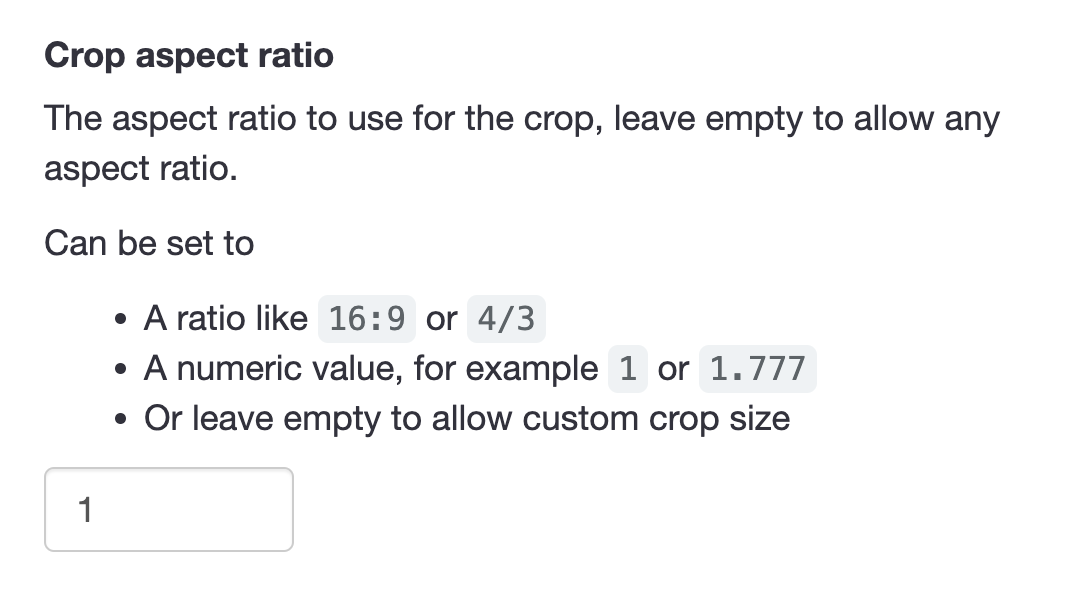
- Enter
1into the input field.
Let’s now apply the circular mask.
Apply the circular mask
Now enable the circle crop mask in the CropGuide customer dashboard, this will ensure images uploaded by your users will always be circular.
- Scroll down towards the Mask heading.
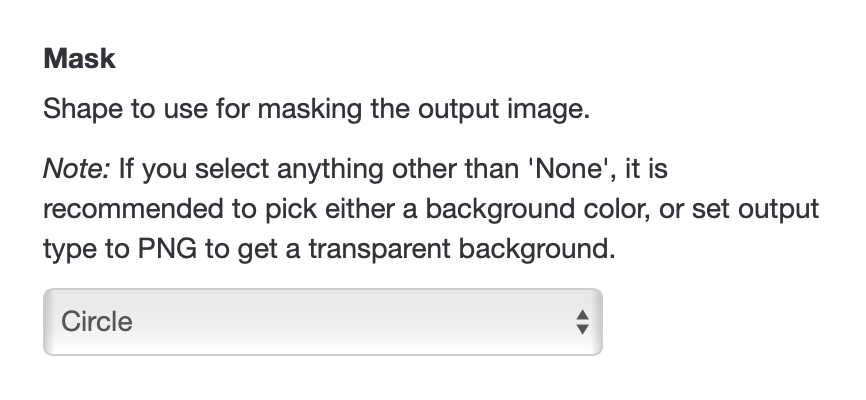
- Select Circle mask.
- Click Save.
That’s it. If we navigate to the form on the website and refresh the page we can test if our new settings have loaded.
We can additionally show a circular image overlay to help user preview the end result.
Keep a square output with a circular preview
We can also leave the circular mask set to the “None” setting and only show a circle guide to receive square images.
If you’re using these profile pictures on the web we can set border-radius to turn square images into circles.
<img src="my-image.jpeg" style="border-radius:100vmax" alt=""/>Add a circular crop guide
To help the user make the perfect image crop we can enable a circular crop guide.
This will show a circle inside the image cropper so the user can see which parts of the image will be visible.
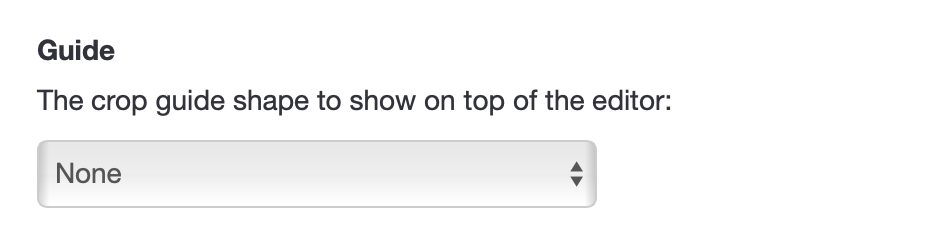
Apart from applying a circular image mask we can also apply other optimisations, like for example compressing images.
Test the profile-picture field
When using the image upload field on your Umso site, CropGuide will now apply a circular mask to the output image, resulting in circular profile pictures.
Try a CropGuide demo on the site, or reach out if you have any questions.
Related content
- Add an Image Cropper to your Umso site
- Crop PAN Card Photos Before Upload on Umso
- Crop Cédula Photos Before Upload on Umso
- Crop Identity Card Photos Before Upload on Umso
- Crop Aadhaar Card Photos Before Upload on Umso
- Crop Passport Document Photos Before Upload on Umso
- Convert HEIC/HEIF to JPEG Before Upload on Umso
- Compress User Images Before Upload on Umso
